TVs
TVs
World wide colours
Our brightest and widest shades and hues, all beautifully displayed on a QD-OLED screen powered by Cognitive Processor XR™.0

Contrast. Unsurpassed.
Pure blacks bring out extraordinary detail and depth. With Cognitive Processor XR™, the expressive power of QD-OLED is maximised.0

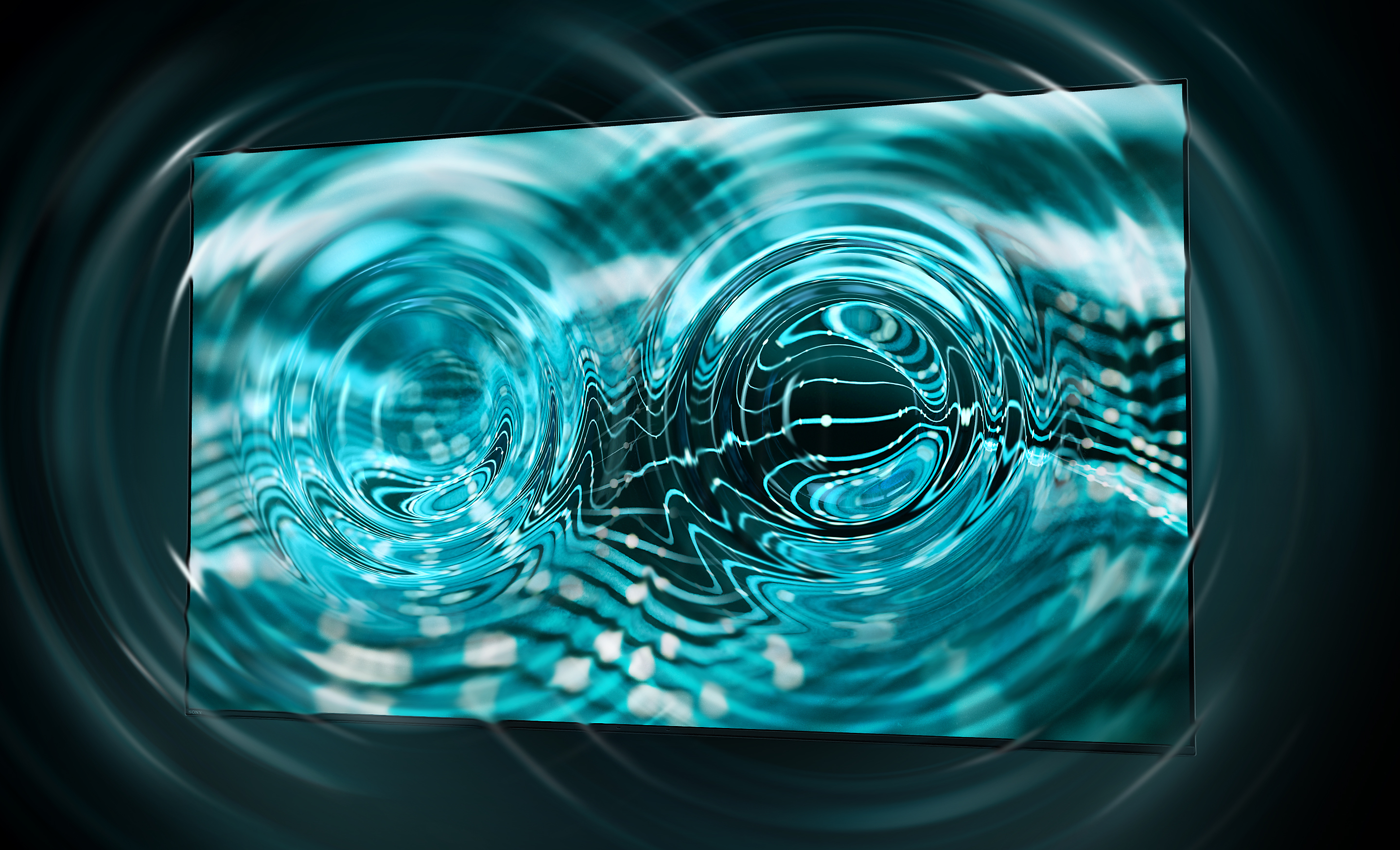
Screen speaker,
sounds cinematic
As the story unfolds before your eyes, you’ll hear a sound track that precisely matches the action. Exactly like in the cinema.0
Best seat. Anywhere. Anytime.

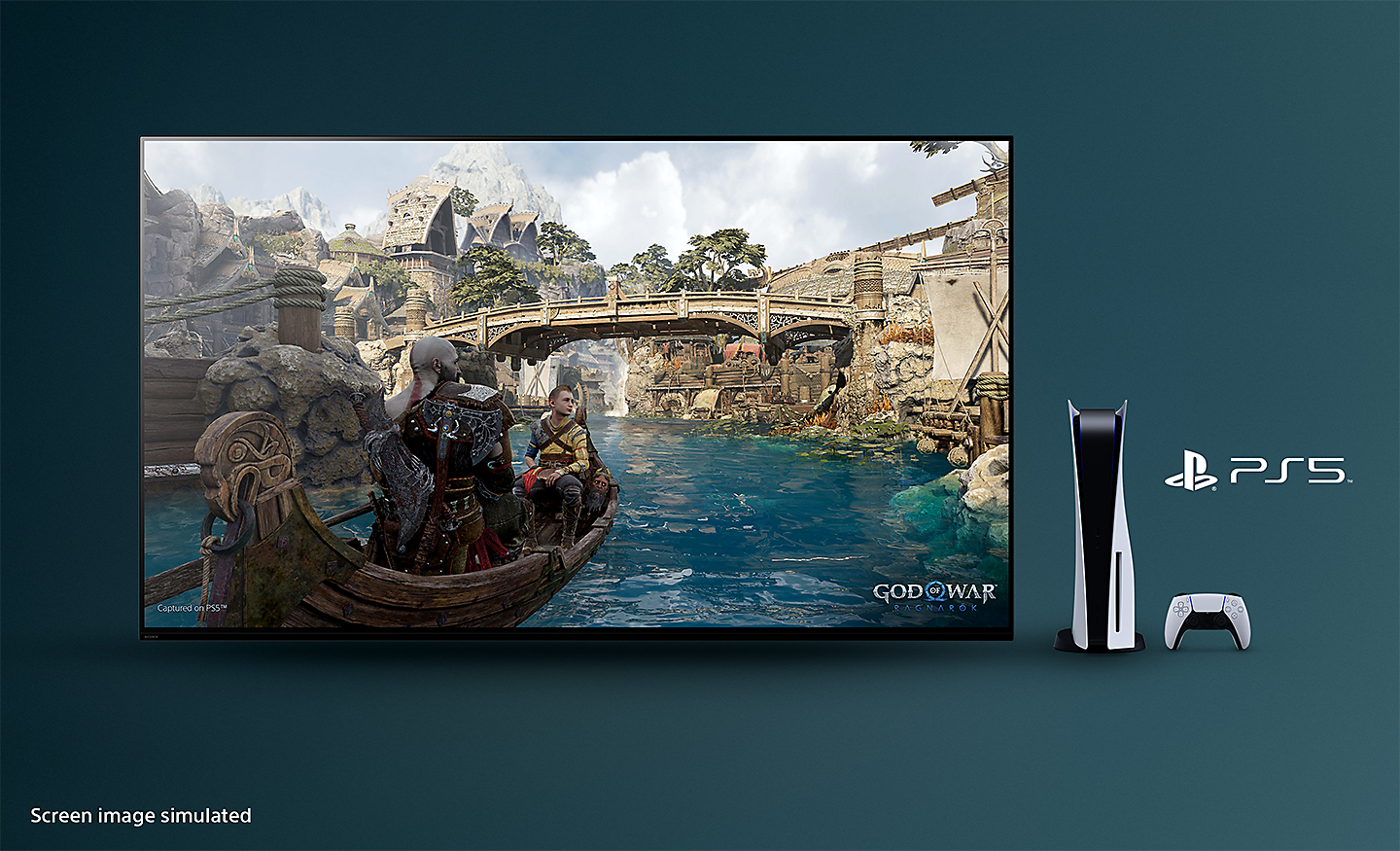
Game time. Be invincible.
See what makes this TV special

FEATURES





Designed with the environment in mind
Sony is committed not only to offering products, services and content that deliver exciting experiences but also to working towards our goal of a zero environmental footprint throughout our business activities.
- Dynamic Backlight Control, or pixel-level lighting control, help improve energy efficiency by adjusting display brightness as picture content changes
- Power Saving Mode helps save energy by adjusting the display brightness
- Display Off Mode helps save energy by turning the picture display off without needing to put the TV into full stand-by mode, so audio can still be enjoyed
-
XR-65A95L
164 cm (65")