Sony SupportA-Mount Body

SLT-A30 Series

    Where is the model name located on my product
    AllFirmware / SoftwareManualsQuestions & Answers
    Important Information

    Recommended Articles

    Sony Interactive Connectivity Guide
    Find what you are looking for...manuals, firmware, drivers, specifications and more
    Camera Troubleshooting Guide
    Where can I buy a new or replacement product parts or accessories in Singapore?
    The memory card is not recognized by the camera and error message appears.
    How to transfer pictures or movies from the camera to a computer using USB connection
    Alpha Camera and lens maintenance tips
    What software can be used to edit RAW images taken with the camera?

    Models: 8

    • Popularity
    • Alphabetical (A to Z)
    • Alphabetical (Z to A)
    • SLT-A35
      Firmware / SoftwareManualsQuestions & Answers
    • SLT-A37K
      Firmware / SoftwareManualsQuestions & Answers
    • SLT-A33
      Firmware / SoftwareManualsQuestions & Answers
    • SLT-A33L
      Firmware / SoftwareManualsQuestions & Answers
    • SLT-A33Y
      Firmware / SoftwareManualsQuestions & Answers
    • SLT-A35K
      Firmware / SoftwareManualsQuestions & Answers
    • SLT-A35Y
      Firmware / SoftwareManualsQuestions & Answers
    • SLT-A37
      Firmware / SoftwareManualsQuestions & Answers

    Important Information

    • End of support notification for products using the Windows 8.1 operating system
    • Termination of Map View in PlayMemories Home (Windows version) and the map display function in GPS Image Tracker
    • Windows 10 information
    • Warning regarding use of unauthorised software for Interchangeable Lens Digital Camera and Digital Still Camera
    • End of support notification for products using the Windows Vista operating system

    Questions & Answers

    • What is the difference between sRGB and Adobe RGB?
    • The camera turns off by itself after I transfer images to the computer with the PlayMemories Home software.
    • [VIDEO] How to update the firmware of your Sony Alpha Cameras for Windows
    • Dirt will not come off the LCD screen.
    • The SteadyShot indicator blinks and an ERROR icon that looks like a hand appears.
    • Register your product warranty

      Register your product for E-warranty, get access to all information, keep your product up to date and enjoy great deals

    • Warranty Information

      Find out more about Domestic and Tourist warranty

    • Repair Services & Location

      Book a service appointment, track repair status, check service charges and service centre locations

    • Contact support

      Contact our Support team

    • Support by Sony (Mobile App)

      Never miss an update again! Find information and receive instant notifications about your product

      Get it on Google PlayDownload on the App Store

    • Contact Us

    Videos

    Open video player
    [VIDEO] How to update the firmware of your Sony Alpha Cameras for Windows
    > Watch this video in the article
    Open video player
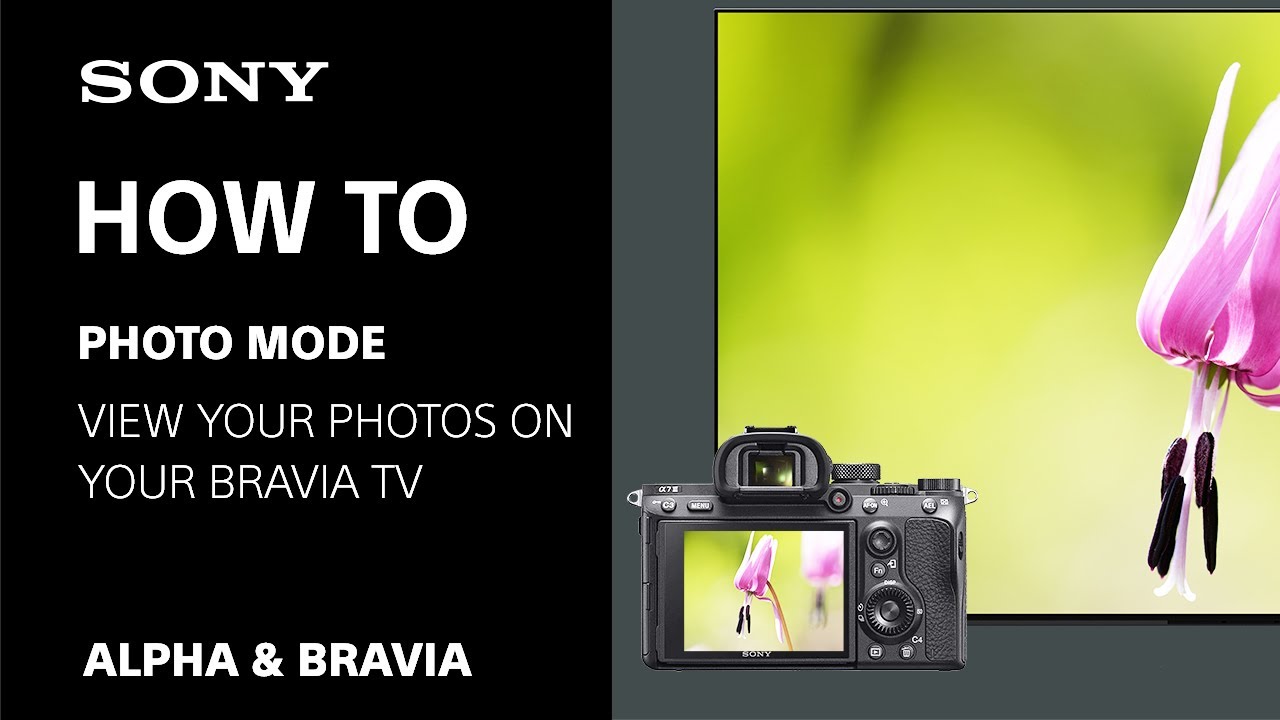
    [Video] Photo mode / Professional mode: Viewing or editing your photos on Sony's Google TV™ and Android TV™
    > Watch this video in the article

    Please accept Youtube cookies to watch this video

    Access your cookie preferences below and make sure to switch on the Youtube cookie under the 'Functional' section.

    Sony

    Search History

    Products

    Support

        • TVs
        • Home Cinema & Soundbars
        • Blu-ray™ & DVD Players
        • Projectors
        • Receivers
        • Headphones
        • Portable Audio Player
        • High Resolution Audio
        • Wireless Speakers
        • 360 Reality Audio
        • Audio Systems
        • Audio Components and Turntables
        • Digital Voice Recorders
        • Boomboxes, Radios & Portable CD Players
        • Home Cinema & Soundbars
        • Gaming Gear
        • Interchangeable-lens Cameras
        • Lenses
        • Compact Cameras
        • Vlog Cameras
        • Handycam® Camcorders
        • Action Cam
        • Cinema Line Cameras
        • Camera Accessories
        • Creators’ Cloud 
        • Camera Remote SDK
        • Car Audio
        • Memory Cards, Storage & Cables
        • Spatial Reality Display
      • All Products
        • All Products
      • Professional Products & Solutions
        • Professional Products & Solutions
    • Store
    • PlayStation
      • Support
        • Support
      • Community
        • Community
      • Sony Group Site
        • Sony Group Site
      • Sony Corporation
        • Sony Corporation
      • Sony Design
        • Sony Design
      • Sony Professional
        • Sony Professional
      • PlayStation
        • PlayStation
      • Sustainability
        • Sustainability
      • Environment
        • Environment
      • Accesibility
        • Accesibility
      • Diversity, Equity & Inclusion
        • Diversity, Equity & Inclusion
      • Social Contribution
        • Social Contribution
      • Sony Pictures
        • Sony Pictures
      • Sony Music
        • Sony Music